Software that fits the way you work
Off-the-shelf software covers a lot, but rarely exactly what your business needs. The result is spreadsheets running alongside the actual system, data entered twice and important knowledge held by just a few people. A custom Windows application closes that gap: it maps your processes the way they work in practice and runs where your team already works – on the Windows desktop.
Bitclipse develops desktop applications for industrial and technology companies and for SMEs in Switzerland, Germany and Austria. We take care of the whole project: from the first requirements and the design of the user interface to finished, installable software. And we remain your point of contact afterwards, whenever your requirements change.
A custom application pays off especially when a process is central to your business, when several people work with the same data or when typing errors become expensive. It belongs to you, grows with your requirements and does not depend on whether a vendor adds a feature or removes it again.
What you get
- Complete development from a single source: concept, programming, user interface design and testing
- A user interface that people can use without lengthy training, with clear workflows and understandable messages
- Connection to databases such as SQL Server, PostgreSQL, MySQL or SQLite
- Client-server architectures for multiple workstations and sites
- Users, roles and permissions, so that everyone sees and edits exactly what they need
- Interfaces to your existing systems, so that data only has to be entered once
- Clean, documented code that other developers can easily continue working with later
Typical uses
Administration and planning
Applications for orders, materials, schedules or staff that follow your processes instead of the other way round.
Tools for specialists
Specialised programs for calculation, analysis or documentation that today consist of several spreadsheets.
Capturing and analysing data
Input forms, validation and reports, so that figures are entered once and used correctly everywhere.
Monitoring technical systems
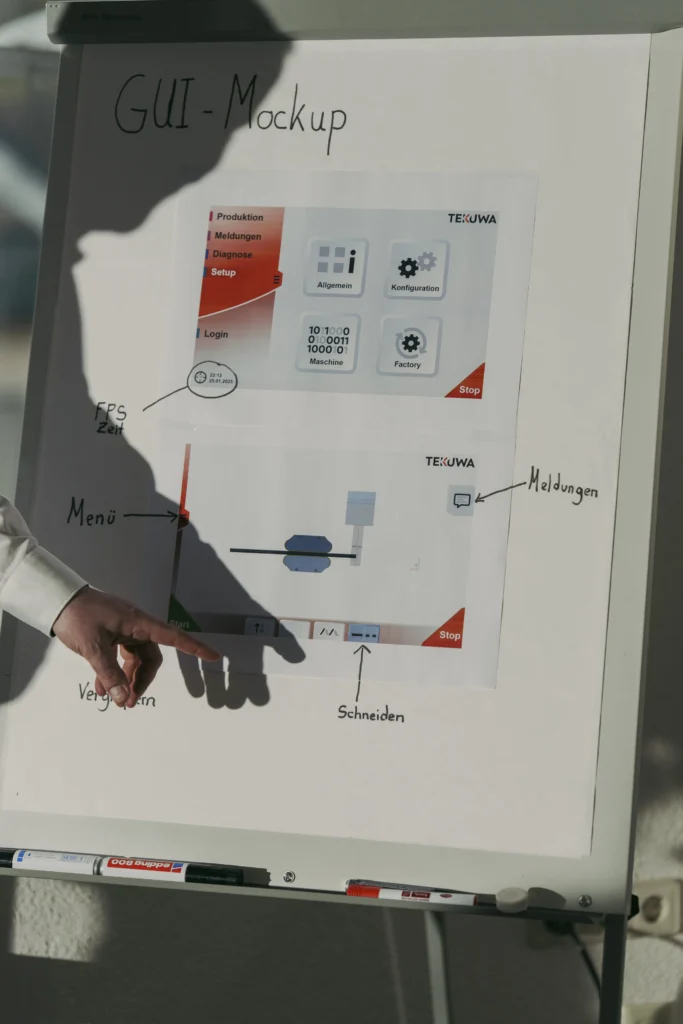
Software that displays and logs the status of equipment and devices in a clear way. For interfaces directly on the machine: HMI development for machines and devices.
How a project works
- Initial conversation: You tell us what the software should do and where things get stuck today. We tell you honestly what is feasible and what is not.
- Requirements and draft: We record which functions are needed and sketch the most important screens before any programming starts.
- Development in stages: You regularly see interim versions, try them out yourself and can step in early, instead of receiving a finished solution only at the end.
- Testing and handover: We test with your real workflows, install the software and introduce it to your team.
- Support: After the handover we fix bugs, adapt the software and develop it further as your business grows.
Technology: WPF and .NET
We develop with C# and .NET and build user interfaces with WPF (Windows Presentation Foundation). This technology is at home on Windows, is actively developed by Microsoft and suits extensive business applications just as well as small, specialised tools. For data we rely on proven databases; which one fits depends on your existing environment.
Why a desktop application rather than a web application? On a Windows workstation a desktop application responds quickly, even with large amounts of data, it can work directly with files, printers and connected devices and, if required, it also works without an internet connection. Where a browser is the better fit, we will tell you openly.
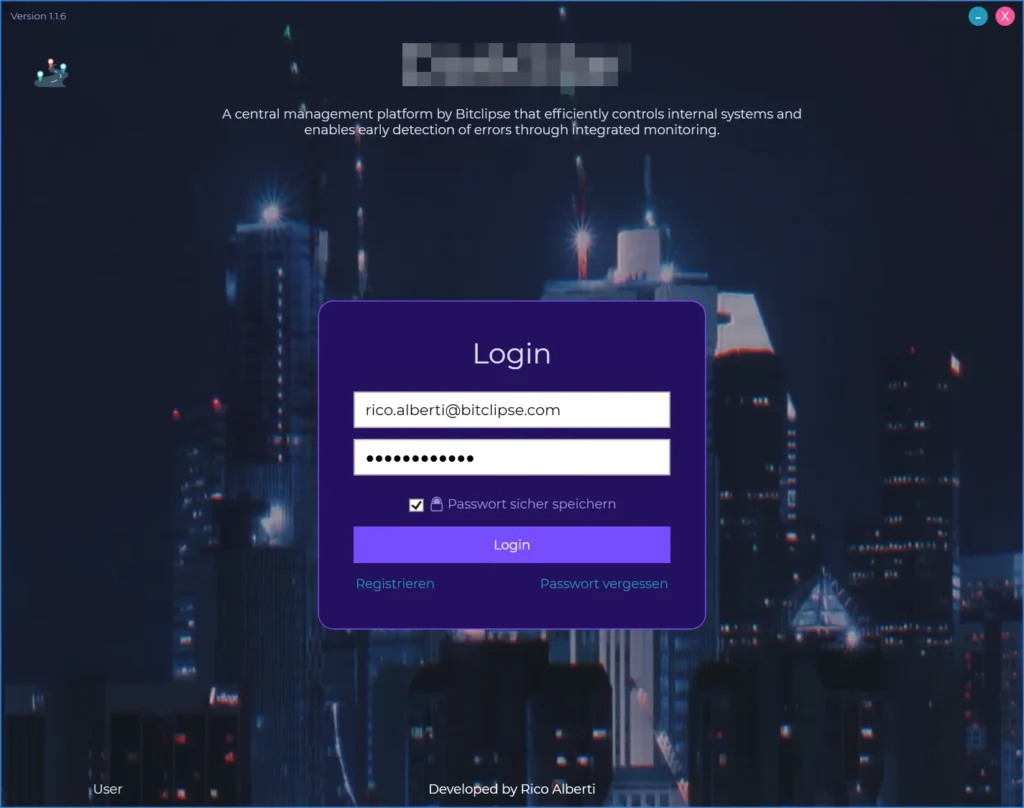
One example is Project Helios, an enterprise platform built with WPF, C# and PostgreSQL: a finely graded system of roles and permissions, user and department management and complete logging of every change. You will find more examples below in the reference projects.
Frequently asked questions
How much does a custom Windows application cost?
That depends mainly on the range of functions and on the interfaces. A lean tool is in a different league from a platform for several departments. After the initial conversation you receive a quote with a clear cost range. We split larger projects into stages that you approve one by one.
Is custom software worth it compared with off-the-shelf software?
Not always. If a standard solution covers your processes well, it is often the cheaper choice, and we will tell you so. Custom software pays off when your processes are special, when you transfer a lot of data by hand today or when the software is part of what sets your business apart.
How long does development take?
A manageable tool can be ready after a few weeks; extensive applications take several months. Because we deliver in stages, you can often use a first part before everything is finished.
Do you also work with companies in Germany and Austria?
Yes. Most of the collaboration takes place via video calls and regular interim versions that you can try out yourself. Meetings on site are possible by arrangement.
Who owns the source code?
We agree on this in writing before the project starts. On request you receive the complete source code, so that you are not dependent on us.
What happens after the handover?
We remain your point of contact: for bug fixes, adjustments to new Windows versions and extensions. We agree on the exact form of support to suit your business.